Mastering the Workflow: A Practical Gitflow Guide for Developers
Tired of production bugs? Gitflow is the proven methodology for organizing your development branches, preventing conflicts, and achieving stable deployments. Learn to master the 5 key branches and apply best practices to your stack.
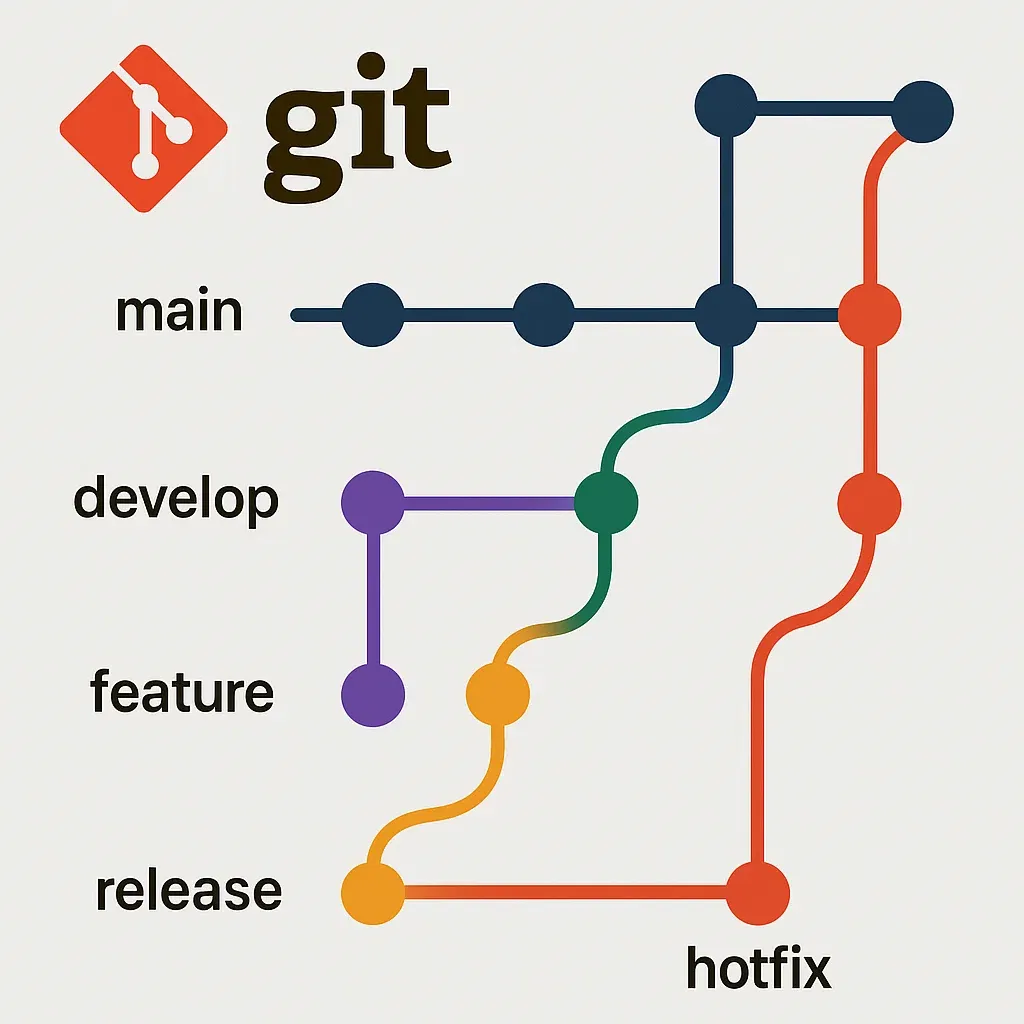
📢 I. Introduction: Chaos vs. Control
Let me be honest: we’ve all been there. The cold sweat of attempting a last-minute merge, only to realize you’ve broken something fundamental in the production branch. A developer without a branching strategy is a developer sailing without a map. Development without clear branching rules leads to chaos: constant conflicts, unstable deployments, and a loss of traceability.
As a developer, you manage not only the code but the entire product stability. That’s why you need a methodology that scales with your project: Gitflow.
Gitflow is not a magic command; it is a branching philosophy. It’s a robust and popular model that defines strict rules about which branches exist and when they should interact.
What you will learn: You will understand the 5 key branches of Gitflow, how they relate to your application’s lifecycle, and how to implement them with best practices in your GitHub repository.
🌳 II. The Heart of Gitflow: The 5 Key Branches
The Gitflow methodology relies on the existence of two permanent branches and three temporary branches with very specific purposes.
| Branch | Purpose | Duration | Key Commands |
|---|---|---|---|
main / master | Production. Contains the code currently in the user's hands. It is the most sacred branch. | Permanent | Only accepts merges from release or hotfix. |
develop | Integration. Reflects the state of the next release. All completed features are consolidated here. | Permanent | $ git pull origin develop |
feature/* | New Features. Development of any new feature or improvement. | Temporary (until merge into develop) | $ git checkout -b feature/name-of-the-feature |
release/* | Release Preparation. Used to stabilize the code before going to main. Only for last-minute bug fixes. | Temporary (until merge into main and develop) | $ git flow release start v1.0.0 |
hotfix/* | Critical Production Fixes. To quickly solve urgent bugs in the main (production) branch without interrupting develop. | Temporary (until merge into main and develop) | $ git flow hotfix start critical-bug-fix |
🔄 III. Step-by-Step Workflow (The Lifecycle)
The secret to Gitflow is discipline in the workflow:
- Project Initiation: The repository starts with the
mainbranch. The first step is to create thedevelopbranch frommain.$ git checkout main $ git branch develop $ git push -u origin develop - Feature Development (
feature):- Always branch off of
develop:$ git checkout -b feature/login-with-google. - You work and make your commits here.
- Once finished, you create a Pull Request (PR) to merge into
develop. Once the PR is approved, the feature branch is deleted.
- Always branch off of
- Release:
- When
developcontains all the desired features, the release branch is created fromdevelop. $ git checkout -b release/v1.1.0.- Only minor bug fixes and version updates (or documentation) are allowed here.
- Release Closure: Merge into
main(and tag with a version) AND merge back intodevelopto ensure the release fixes are in the development branch.
- When
- Hotfix:
- If there is a critical bug in production (on
main), thehotfixbranch is created directly frommain. - The bug is fixed.
- Hotfix Closure: Merge into
mainand, CRUCIALLY, also merge back intodevelopso the fix is not lost in the next release.
- If there is a critical bug in production (on
💡 Important Note: If you don't use the git-flow extension, the commands are the same standard
gitcommands (git checkout,git merge, etc.), only the branch naming convention is strict.
👨💻 IV. Practical Implementation and Best Practices
As a developer, your Git flow must be integrated with your tools:
- Automating PRs in GitHub: Set up "Branch Protection Rules" in GitHub for the
mainanddevelopbranches. This forces everyone to require at least one code review approval before merging into these critical branches. This is crucial. - Traceability with Jira: Implement the use of Jira ticket IDs in your branch names (
feature/JIRA-123-new-api) and commit messages. This creates instant traceability of which code solved which problem, which is vital for troubleshooting. - Integration Testing (Postman): Before submitting a PR to
develop, ensure your feature branch passes all integration tests you have defined in Postman (or similar). Code that fails tests should not touchdevelop. - Avoiding Conflicts: Periodically rebase your feature branch onto
develop(at least once a day). This keeps your branch up-to-date with the latest changes, making the final merge much cleaner.
🚀 V. Conclusion
Gitflow can seem complex initially, but it is the difference between a maintainable project and a bug-ridden hell. It is an investment in your product's stability, your team's peace of mind, and your career as a developer.